Websites, local SEO and AI help that bring you customers.
A small Oakville studio, formerly Oakville Web Designs. We build websites, get businesses found on Google and set up AI tools that take work off your plate, across Halton. The sites we’ve built are live. Go and look at them.
We meet clients in person across Halton. The free call is a 30-minute video call.
… Communication was clear throughout the process, timelines were met, and the final result exceeded our expectations.





What does Oakville AI do?
Oakville AI is a digital marketing firm in Oakville, Ontario, formerly Oakville Web Designs. We look after your whole online presence in one place: websites, local SEO and your Google Business Profile, social media and Google and Meta ads, brand design and content, and AI automations that take routine work off your plate. Most clients are in Halton, and we meet in person when it helps.
- Oakville, Ontario
- Websites, marketing and AI
- One team for all of it
- Free 30-minute call
How much does it cost?
Website
No website yet, or one that’s holding you back. From a one-page site to a full build.
From $1,250one-time, quoted after a callLocal SEO and Google Business Profile
A website, but not many calls from Google or Maps. Included in every monthly plan.
From $500/moEssentials planCare plan
A site that works, but nobody looks after it. Backups, updates and small edits.
From $75/month3-month minimumAI tool setup
A task you’d like AI to take on, such as answering enquiries. One tool or workflow, set up and explained.
$95per hourTroubleshooting
An AI tool or workflow that isn’t working. One-hour minimum.
$95per hourOakville AI Audit
Not sure where to start. A written review of your website, Google listing and where AI would save time, plus a walkthrough call.
$350one-time, credited toward a plan
Monthly plans bundle local SEO, social media and AI work. Compare the plans
Prices in CAD, before tax, as of October 2026. Software subscriptions are extra. The intro call is free.
Websites, marketing and AI, in one place
Websites
Built from scratch for your business on WordPress, so you own it and can edit it.
- Custom design, no templates
- Works on phones and tablets
- On-page SEO from day one
Local SEO and Google
Help customers find you when they search nearby, on Google and in Maps.
- Google Business Profile posts and review replies
- Citations and on-page fixes
- A monthly report on calls and rankings
Marketing management
Social media, Google and Meta ads, and brand design and content, planned and run for you each month.
- Social posts planned, designed and scheduled
- Google and Meta ads, set up and managed
- Brand design and a steady flow of content
AI help
Practical AI for one real task at a time, set up and explained.
- Tool setup, such as an AI receptionist
- Workflow automation, such as lead follow-up
- Troubleshooting when something stops working
Websites you can go and look at
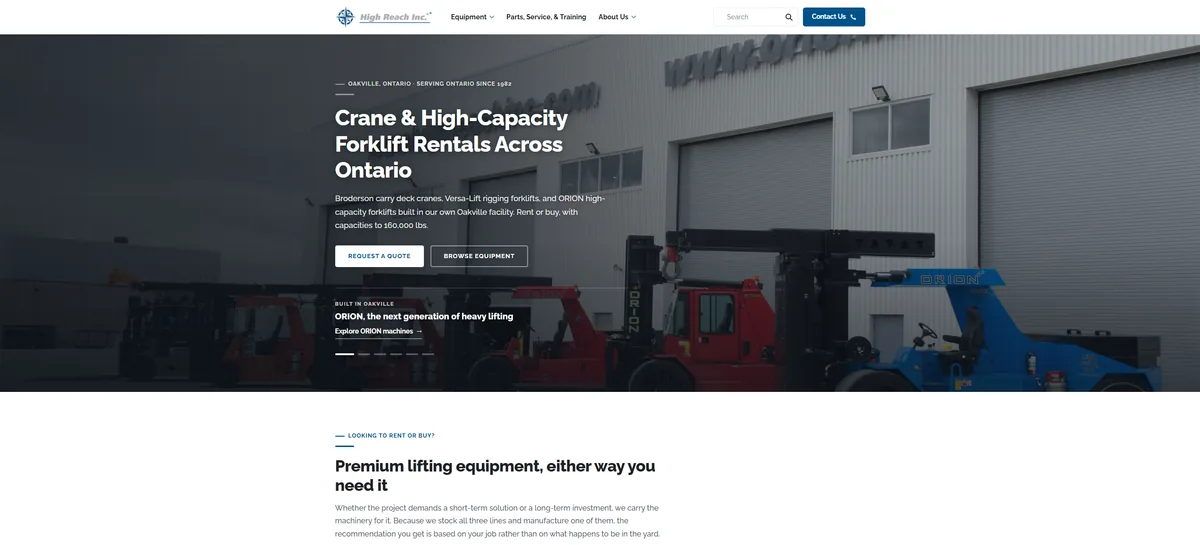
Industrial · Web + SEO
High Reach Inc.
Equipment rental and sales, rebuilt around how buyers search: by model number, not by category.
Disclosure: High Reach Inc. is a family connection.
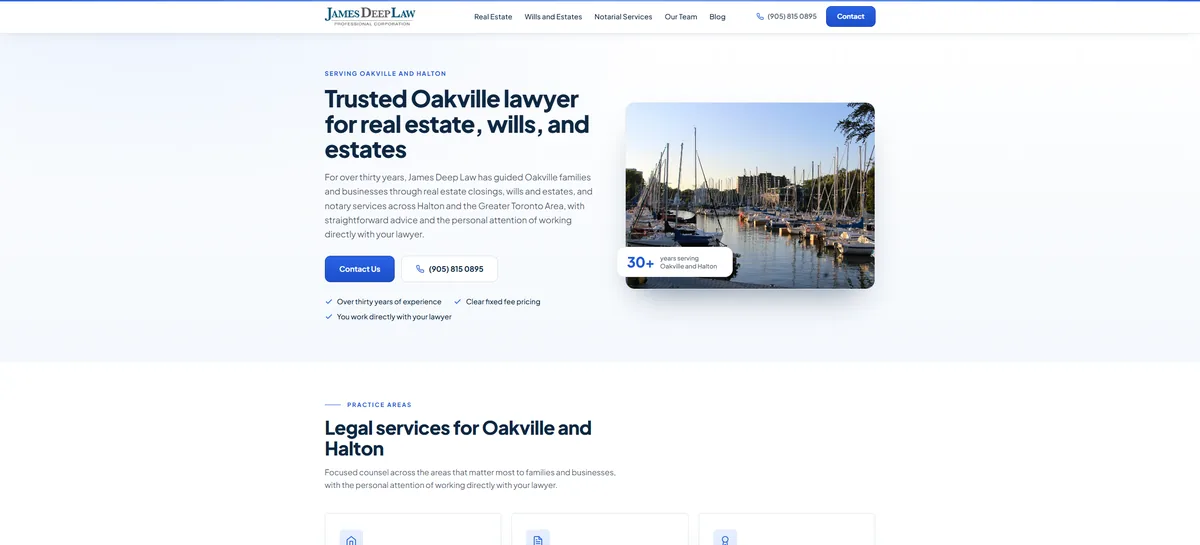
Law · Web + SEO
James Deep Law
A thirty-year Oakville firm on a template that failed on mobile.
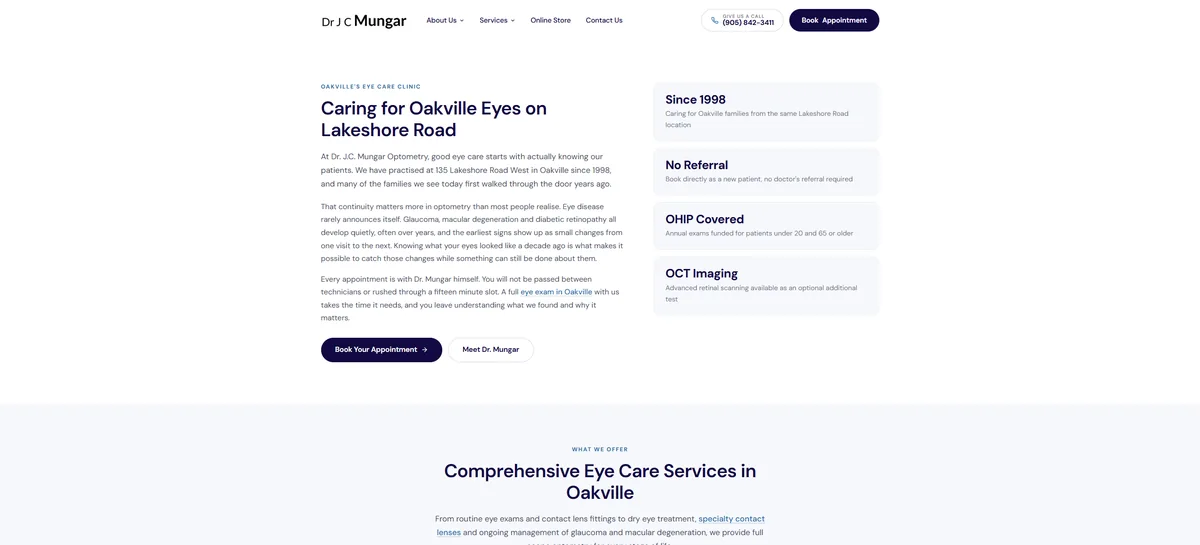
Healthcare · Web + SEO
Dr. J.C. Mungar
An optometry practice on Lakeshore Road since 1998.
Disclosure: Dr. J.C. Mungar's practice is a family connection.
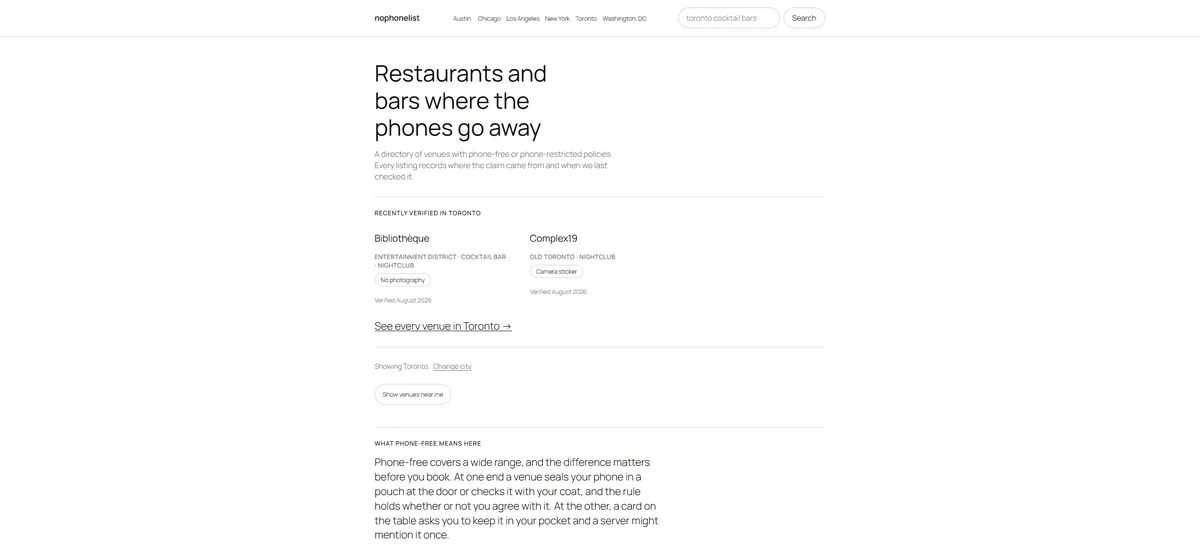
Directory · Web + SEO
nophonelist.com
A multi-city venue directory with faceted search and structured data, built in house. Page load cut from 44 seconds to under one.
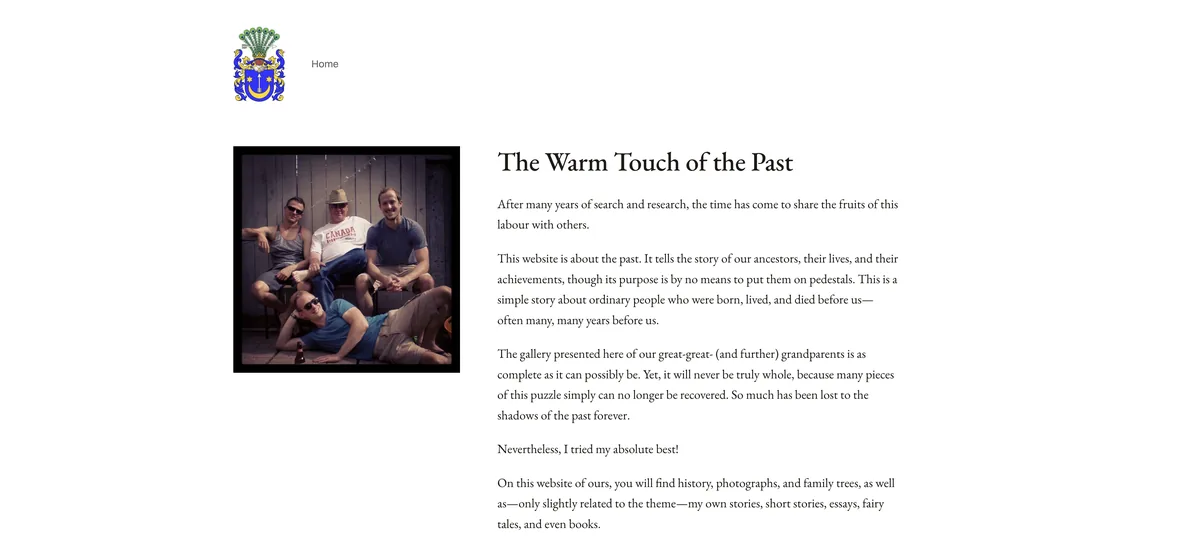
Family history · Rebuild
Baraniecki Family History
A decades-long genealogy project on a WordPress site that had grown unwieldy. New homepage, reorganised navigation, and a backend clear-out of redundant plugins, old posts and abandoned pages.
How long does a website take?
Two to three weeks for most websites. Landing pages are often live inside a week.
Week 1
Discovery and design
Kickoff call, domain and hosting, keyword research, first mockups for your review.
Week 2
Build
Every page built out, mobile layouts, SEO configured, forms and integrations wired up.
Week 3
Refine and launch
Your revisions, performance testing, then launch with a walkthrough of how to run it.
Ongoing
Getting found
Monthly local SEO, content and reporting for clients who want to keep climbing after launch.
What Oakville business owners say
We hired Max at Oakville Web Designs to modernize our law firm’s website, and the results have been outstanding. He specifically focused on fixing our technical SEO and mobile performance, which led to a 40% jump in search impressions in just a few weeks. …
… Max took the time to understand our business, our equipment, and our customers, and translated that into a clean, professional website that actually converts visitors into leads.
Where do you work?
Based in Oakville, working with small businesses across Halton, Peel and the western GTA, from Burlington and Milton to Georgetown, Acton and Stoney Creek.
Web design by area
AI help by industry
Is Oakville AI the same as Oakville Web Designs?
Yes. Oakville Web Designs is now Oakville AI. The web design side hasn’t changed: the same local team, the same three-clients-at-a-time approach and the same prices. Website work and AI work can now be planned together if you want both, but you don’t have to.
On the AI side, we set up tools like AI receptionists, automate workflows and train staff, and meet clients in person across Halton.
Common questions
Do I own my website?
Yes, entirely. The domain, the content and the design are yours. If you ever move to another provider, we’ll help you migrate rather than hold it hostage.
Who will I actually be dealing with?
The people who do the work. There’s no account manager, no offshore build team and no handoff after the sale. The people on the first call build your site or set up your tools, and they’re the ones you ring when something needs changing two years later.
Do I have to use AI to work with you?
No. Website and local SEO work stand on their own, with the same prices and process as before. If you’d also like help with AI tools, that can be planned alongside your site, but it’s optional.
How long does SEO take to work?
Local SEO usually shows measurable movement in sixty to ninety days, with meaningful traffic growth around four to six months. Anyone promising page one in a fortnight is guessing. Local SEO is included in every monthly plan.
What happens after my website launches?
You get a walkthrough of how to run it and thirty days of support. After that, a care plan for updates, backups and monitoring is optional on WordPress sites (From $75/month). Care for other platforms is quoted separately.
Can you fix or redesign my existing website?
Often, yes. Start with a free call. If it needs a closer look, the $350 Oakville AI Audit, credited if you start a monthly plan within 30 days, tells you whether it’s worth repairing or whether a rebuild costs less than the patching. Sometimes your site is fine and what you need is SEO.
How much does an AI consultant cost?
The intro call is free. The Oakville AI Audit is $350. Tool setup and troubleshooting are $95 per hour, and ongoing automation comes in monthly plans. Software and usage fees are extra. See costs and pricing
Do you set up AI receptionist tools?
Yes. Max sets up off-the-shelf AI receptionist and call-answering tools: what the tool can say, what details it collects and when it hands off to a person. Oakville AI doesn’t sell its own receptionist product. Setup is scoped on the free intro call and quoted in writing as tool setup or workflow automation.
What happens to my customer data?
You agree the minimum data and account access needed before anything is shared, and testing uses non-sensitive sample information where possible. Read the customer data and AI checklist.
Find out what’s holding your business back.
Start with a free 30-minute call. Send us your website and tell us what isn’t working. If it’s worth digging deeper, the $350 Oakville AI Audit tells you in plain English what to fix first and what it would cost.
30 minutes · Video call · No paid work until scope and price are agreed in writing.
Not ready to call? Take the free 5-minute AI readiness checklist